
|

|
|
|
|
File size: 275631 Kb Date: 05/06/2019 Homepage Install support: Install and Uninstall OS: Win2000, WinXP, Win7 x32, Win7 x64, Windows 8, Windows 10, WinServer, WinOther, Windows2000, Windows2003, Windows Server 2012, Windows Tablet PC Edition 2005, Windows Media Center Edition 2005, WinVista, Windows Vista Starter, Windows Vista Home Basic, Windows Vista Home Premium, Windows Vista Business, Windows Vista Enterprise, Windows Vista Ultimate, WinVista x64, Windows Vista Home Basic x64, Windows Vista Home Premium x64, Windows Vista Business x64, Windows Vista Enterprise x64, Windows Vista Ultimate x64 Requirements: Windows 10 / Windows 8.1 / Windows 8 / Windows 7 / Vista / XP sp2 or sp3 Language: English | ONVIF PTZ SDK and IP camera SDK or free Video SDK and cheap Video Capture SDK or the Streaming SDK, good Player SDK or also C video capture, C media player and C video overlay or free C video processing and cheap C video streaming or the C audio capture | TVideoGrabber .NET Video SDK 11.1.2.1 [Homepage] - by: DATASTEAD Sarl - Download links for TVideoGrabber .NET Video SDK 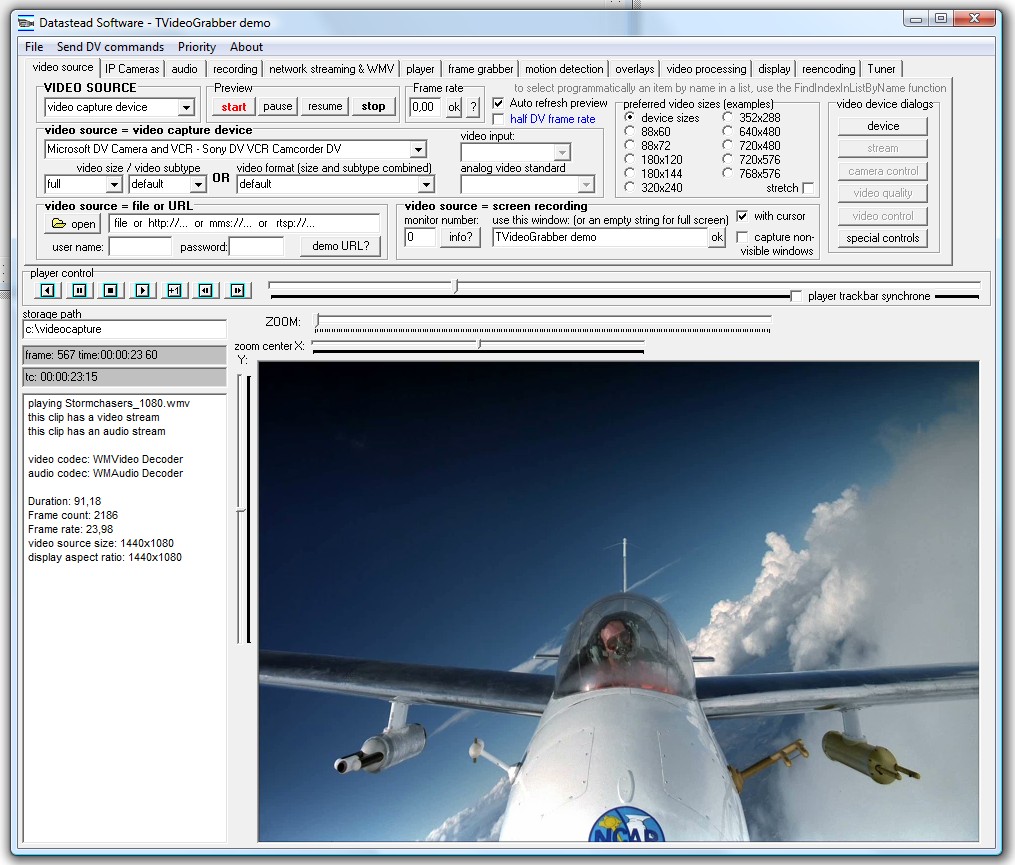 Click to enlarge Description: The TVideoGrabber SDK is a video capture and media player component designed for the development of C#.NET, VB.NET, C++, Delphi, and C++Builder applications. TVideoGrabber captures and records video and audio streams from USB webcams, ONVIF cameras and live streams, HDMI and analog composite capture devices. It supports well known capture devices like BlackMagic Decklink, Avermedia Live Gamer C875, Easycap, Basler and Point Grey GigE cameras, etc... After installing our optional RTSP/RTMP/HTTP/ONVIF DirectShow source filter, it is possible to capture IP cameras and control the PTZ, capture streaming sources like RTSP, RTMP, HTTP, UDP, webradios and various other URL sources, as well as capture devices with a hardware encoder like the Blackmagic Decklink, AverMedia Live Gamer portable, Hauppauge Colossus. It is possible to save the H264/AAC streams to a MP4 or AVI file without decompression/recompression. TVideoGrabber is also an advanced media player that offers seamless playback of multiple video clips, lets play audio/video clips at their normal speed, faster, slower, forward and backward, seek frame by frame. It is possible to capture frames, perform text/graphic overlays during preview, recording or playback, perform PIP video from another TVideoGrabber component, apply video processing like rotation, cropping and more. TVideoGrabber can merge several clips into a single one, split a clip into smaller clips and re-encode them to different formats. Recent changes in this Major Update: Remarks - Comments - Reviews (Add your opinion about this program) |
See also in Software Development: Components and Libraries CPlusPlus
|
|


 Download:


